
Kaynan MES
From the order to the finished part, on the shop floor
- In pilot
- On the machine's tablet
- Switched on per site
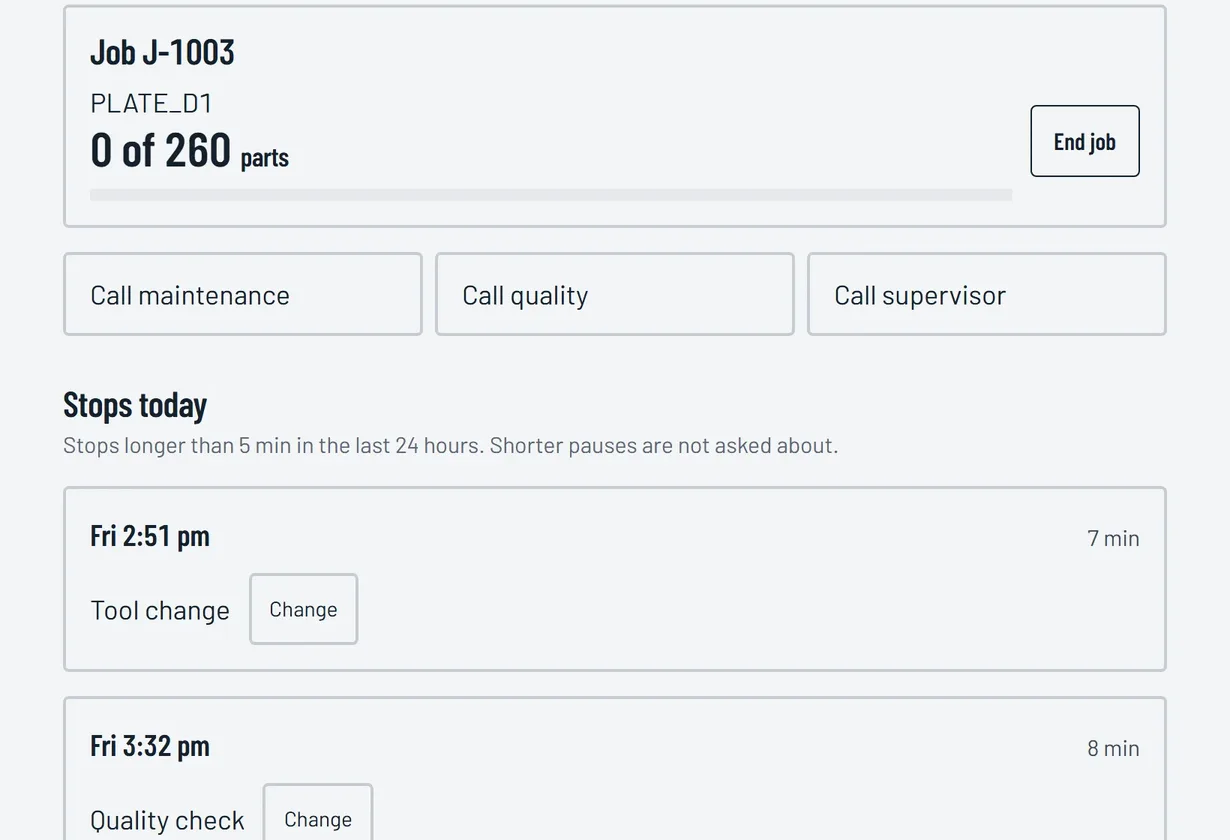
Kaynan MES in 70 seconds
See how it works
What it covers
Everything a job needs, where the work happens
Labour time
Operators clock on and off the running job at the tablet. Each job shows its labour time, and managers download it as a spreadsheet.
Work instructions
Steps, photos and drawings for each product, shown on the tablet for the job that is running.
Quality checks
Pass or fail, or a measurement with limits, done on the tablet when due. A control chart and Cp and Cpk for each measurement.
Routings
One order through several operations on several machines, each started and ended on its own machine's tablet.
Lot traceability
Material lots received, scanned when a job uses them, and traced forward to the jobs they went into or back to what was in them.
Scheduling
Which job runs on which machine over the coming days, counted inside your shifts, with a flag when a job would finish late.
ERP link
Orders in from your ERP, results back out
- Your ERP or accounting system adds and changes jobs
- Each finished job's made figure and labour go back to it
- A job changed on the shop floor is never overwritten by the ERP
- Connectors for a named system are built with the first site that runs it
Part of Kaynan Nexus
The same platform as machine monitoring
Want to try it on your shop floor?
Tell us how a job moves through your shop today. We will show you the pilot.